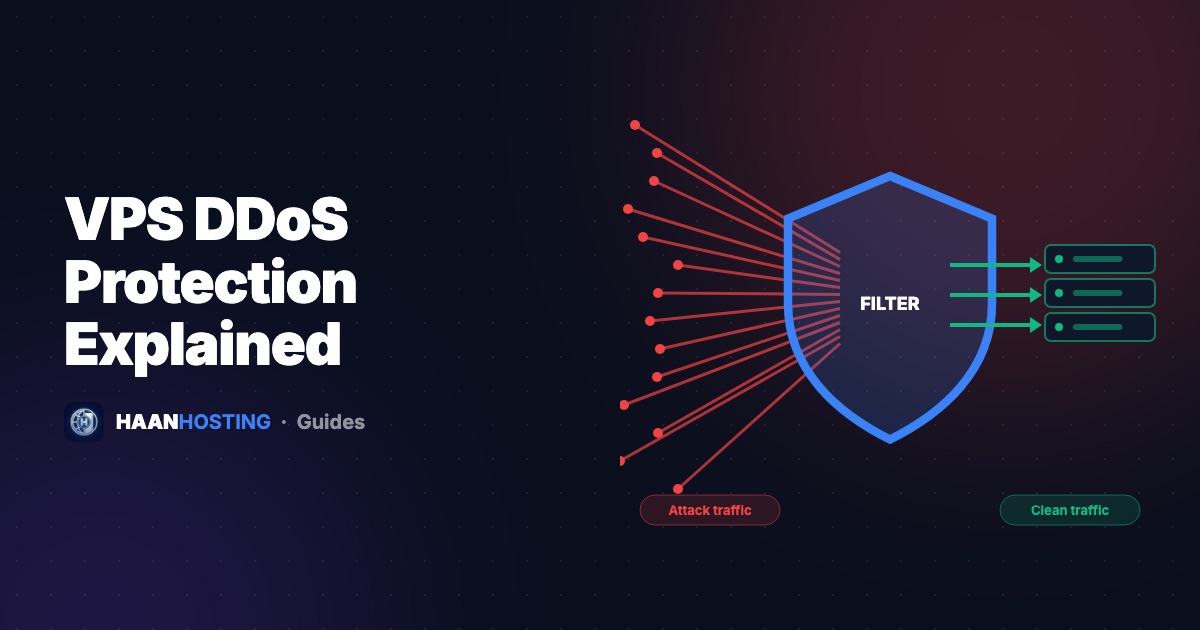
A DDoS (Distributed Denial of Service) attack tries to knock your server offline by flooding it with more traffic than it can handle. Attacks are cheap to launch and target everyone, from online stores and game servers to forex VPSs and small business sites. Here's how DDoS attacks work, what "DDoS protection" on a VPS actually covers, and the extra steps you can take to stay online.
What is a DDoS attack?
In a DDoS attack, thousands of compromised devices (a botnet of hacked PCs, routers, cameras and servers) send traffic to your server at the same time. Because the traffic comes from so many sources, you can't simply block one IP address. The goal is to exhaust something: your network bandwidth, your server's connection tables, or your application's CPU.
The three main types of DDoS attacks
| Type | How it works | Examples |
|---|---|---|
| Volumetric (Layer 3/4) | Saturates your bandwidth with huge amounts of traffic | UDP floods, DNS/NTP/memcached amplification |
| Protocol (Layer 3/4) | Exhausts server or firewall connection resources | SYN floods, ACK floods, fragmented packets |
| Application (Layer 7) | Sends realistic-looking requests that are expensive to answer | HTTP GET/POST floods, login and search page floods |
What does VPS DDoS protection do?
Network-level DDoS protection sits in front of your server, at the data center's edge. When an attack is detected, malicious traffic is filtered out (scrubbed) and clean traffic is passed through to your VPS. This is crucial against volumetric and protocol attacks, because no firewall on the server itself can help once your network port is already saturated.
Every HAAN HOSTING VPS and Windows RDP includes always-on DDoS mitigation at the network level, at no extra cost.
How to harden your website against Layer 7 attacks
- Put a CDN/WAF in front of your site. Services such as Cloudflare hide your server's real IP, cache content and challenge suspicious visitors.
- Hide your origin IP. Once you use a CDN, avoid exposing the server IP in DNS records (like mail records on the same IP) or in email headers.
- Cache aggressively. Cached pages cost almost nothing to serve. Use page caching for WordPress (see WordPress on VPS).
- Rate-limit expensive endpoints like login, search and checkout. In Nginx, use
limit_req_zoneandlimit_req. - Firewall everything you don't need. Close unused ports with UFW or Windows Firewall, and restrict SSH/RDP to your IPs where possible.
Protecting game servers, RDP and forex VPS
- Game servers use UDP and can't sit behind a normal web CDN, so network-level protection is essential.
- RDP / forex VPS: Don't publish your server IP anywhere, change the default RDP port, and restrict access by IP. Follow our RDP security guide.
Signs you're under a DDoS attack
- Your site or server suddenly becomes very slow or unreachable
- A sharp, unexplained spike in incoming traffic or connections
- Huge numbers of requests to a single URL from many different IPs
- Server CPU or bandwidth maxed out with no matching rise in real visitors or sales
What to do during an attack
- Contact your host's support straight away with the time the problem started and your server IP.
- If you use Cloudflare, enable "Under Attack" mode to challenge all visitors temporarily.
- Check your access logs to identify the targeted URLs, then rate-limit or block them.
- After the attack, review what was exposed (origin IP, open ports) and close the gaps.
DDoS protection included on every plan
KVM VPS and Windows RDP with always-on network DDoS mitigation, NVMe storage and 24/7 support.
See protected VPS plansFrequently Asked Questions
Yes. DDoS attacks are cheap to launch and target sites, game servers and VPSs of every size. Network-level protection keeps volumetric attacks from saturating your connection.
Network protection handles volumetric and protocol (Layer 3/4) attacks. Application-layer (Layer 7) attacks also need a CDN/WAF, caching and rate limiting.
Contact your host with your server IP and the time the problem started, enable your CDN's under-attack mode if you use one, and rate-limit or block targeted URLs.
Written by Security Team
The HAAN HOSTING team deploys and supports VPS, Windows RDP and web hosting servers for customers in 20+ countries. Our guides are based on the questions we answer every day in support.