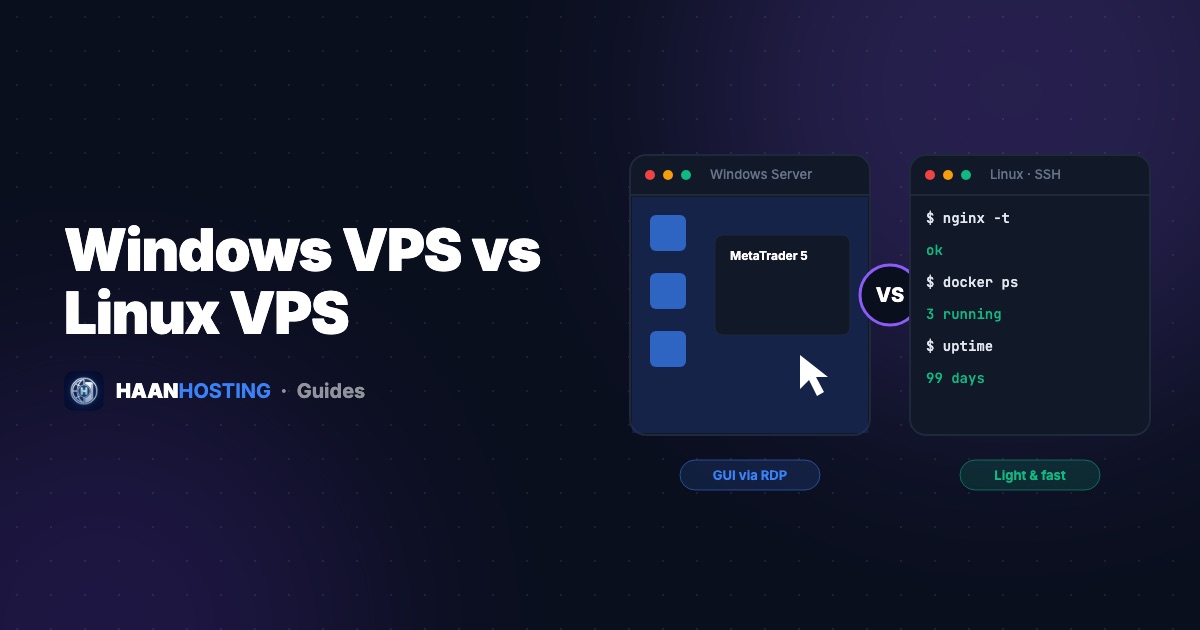
When you order a VPS, one of the first choices is the operating system: Windows Server or Linux. The hardware is the same. What changes is how you manage the server, what software you can run, and how efficiently it uses resources. Here's a clear comparison to help you pick the right one in a couple of minutes.
The short answer
- Choose Linux for websites, WordPress, web apps, APIs, databases, Docker, VPNs and game servers.
- Choose Windows if you need a graphical desktop over RDP, or Windows-only software such as MetaTrader, many SEO and automation tools, or .NET Framework / MSSQL apps.
Windows VPS vs Linux VPS: comparison table
| Feature | Linux VPS | Windows VPS |
|---|---|---|
| Access | SSH command line (plus optional web panels) | Remote Desktop: full graphical desktop |
| Ease for beginners | Learning curve | Familiar, just like a Windows PC |
| OS resource usage | Very light (a few hundred MB of RAM) | Heavier (roughly 2–3 GB of RAM at idle) |
| Minimum practical RAM | 1–2 GB | 4 GB, with 8 GB recommended |
| Software | Nginx, Apache, PHP, Node.js, Python, Docker, MySQL… | MT4/MT5, browsers, desktop apps, IIS, .NET, MSSQL |
| Licensing | Free, open source | Requires a Windows Server license |
| Typical uses | Web hosting, apps, backends | Forex trading, SEO tools, remote work, Windows apps |
| Security model | SSH keys, UFW, Fail2ban | RDP hardening, Windows Firewall, Defender |
When Linux is the better choice
Linux runs the majority of the world's web servers for good reason. It's lightweight, stable, free and supported by a huge open-source ecosystem. Because the OS itself uses so little memory, more of your RAM goes to your websites and databases. If your project is anything web-facing, Linux almost always gives you more performance per dollar.
Popular distributions: Ubuntu (the most tutorials and community support), Debian(rock-solid stability) and AlmaLinux (RHEL-compatible, a common choice for cPanel servers). New to Linux? Start with our 10 first steps on a new VPS.
When Windows is the better choice
Windows Server shines when you need to see and click. With Remote Desktop, you get a full desktop where you can run browsers, trading terminals and desktop software 24/7. That's why a Windows VPS is usually what people mean when they say they want an "RDP". Read VPS vs RDP for more.
Windows is also the natural home for apps built on the .NET Framework, Microsoft SQL Server and IIS.
Performance: is Linux faster than Windows?
For server workloads, Linux usually has the edge because it carries no graphical interface and fewer background services. That leaves more CPU and RAM for your applications. But for Windows-only software, there's no contest, and a properly sized Windows VPS on NVMe storage performs excellently. See our guide on making Windows RDP faster.
Quick decision guide
| I want to… | Choose |
|---|---|
| Host a WordPress or WooCommerce site | Linux |
| Run MT4/MT5 Expert Advisors 24/5 | Windows |
| Deploy a Node.js, Python or Laravel app | Linux |
| Use desktop SEO or automation tools | Windows |
| Run Docker containers | Linux |
| Have a remote Windows desktop for work | Windows |
| Host a game server or VPN | Linux (usually) |
Same powerful hardware, your choice of OS
Every HAAN HOSTING Cloud VPS runs on KVM with NVMe storage and a 10 Gbps port. Pick Linux for hosting or Windows for RDP.
View VPS plansFrequently Asked Questions
For server workloads Linux usually has an edge because it uses fewer resources. For Windows-only software, a well-sized Windows VPS performs excellently.
A Windows VPS, because MetaTrader 4 and 5 are Windows applications. You access it through Remote Desktop.
Yes, you can reinstall the VPS with a different operating system, but reinstalling erases the disk, so back up your data first.
Written by Tech Team
The HAAN HOSTING team deploys and supports VPS, Windows RDP and web hosting servers for customers in 20+ countries. Our guides are based on the questions we answer every day in support.