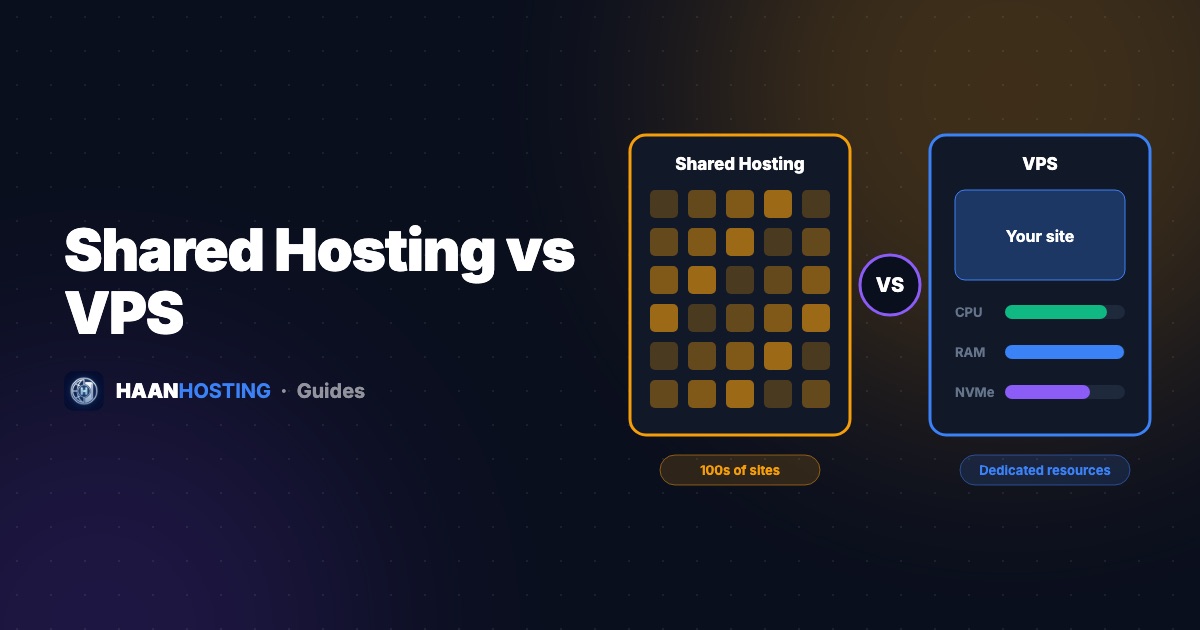
Shared hosting is the cheapest and easiest way to put a website online. A VPS gives you dedicated resources and full control. Neither is "better". The right choice depends on your traffic, your technical skills and what you're running. This guide compares them side by side and lists the clear signs it's time to upgrade.
What is shared hosting?
With shared hosting, your website lives on a server alongside many other customers' sites. The provider manages everything (the operating system, security, updates and the web server) and you get a friendly control panel such as cPanel to manage files, emails, databases and 1-click WordPress installs.
Think of it as renting an apartment: affordable and maintained for you, but you share the building's resources and follow its rules.
What is a VPS?
A Virtual Private Server is your own virtual machine with guaranteed CPU cores, RAM and storage. You get root access, choose your OS and install any software. It's more like owning a townhouse: more space and freedom, but you're responsible for maintenance (unless you choose a managed plan).
Shared hosting vs VPS: comparison
| Feature | Shared Hosting | VPS Hosting |
|---|---|---|
| Price | Lowest (from $3.99/mo) | Higher (from $11.99/mo) |
| Resources | Shared with other sites, with limits | Dedicated CPU, RAM and NVMe storage |
| Performance under traffic | Can slow down at peaks | Consistent and scalable |
| Control | cPanel only, no root | Full root / admin access |
| Custom software | Limited (PHP sites, WordPress) | Anything: Node.js, Python, Docker, bots |
| Technical skill needed | Beginner-friendly | Some Linux/Windows knowledge |
| Server maintenance | Done by the host | You (or a managed add-on) |
| Email hosting | Included | You set it up, or use an external service |
| Best for | Blogs, portfolios, small business sites | Growing stores, apps, multiple client sites |
Choose shared hosting if…
- You're launching your first website, blog or portfolio
- Your site gets up to a few thousand visitors a day
- You want email, SSL and backups handled for you
- You don't want to touch a command line
Choose a VPS if…
- Your traffic is growing fast, or you get sudden spikes (sales, campaigns, viral posts)
- You run WooCommerce, a membership site or an LMS with many logged-in users
- You need software shared hosting doesn't allow: Node.js, Python, Docker, cron-heavy scripts, bots
- You host websites for many clients and want them isolated
- You need a Windows environment or a full Windows RDP desktop
7 signs you've outgrown shared hosting
- "508 Resource Limit Is Reached" or similar errors during busy periods
- Time-to-first-byte (TTFB) regularly above 600–800 ms
- Your host warns you about CPU or entry-process usage
- WooCommerce checkout or the WordPress admin feels slow
- You need a PHP extension, server setting or software the host won't allow
- Traffic doubled in the last few months and keeps growing
- You want a dedicated IP and full control over security
What about cost?
A VPS costs more per month, but compare like-for-like. One VPS can host many sites, so agencies hosting 5–10 client sites often pay less than they would for separate premium shared plans. And if slow pages are costing you sales, the upgrade pays for itself. Read how to pick the right VPS size so you don't overpay.
Start small or go all-in
cPanel web hosting from $3.99/mo, or NVMe Cloud VPS from $11.99/mo. Our team can help you choose and migrate.
Compare hosting plansFrequently Asked Questions
A VPS offers dedicated resources, more control and better performance under traffic. Shared hosting is cheaper and easier. The best choice depends on your traffic and technical needs.
Upgrade when you see resource-limit errors, slow load times during busy periods, fast traffic growth, or need software and settings shared hosting does not allow.
A VPS needs some technical knowledge for setup and security. Following a setup guide or choosing a managed add-on makes it manageable for most users.
Written by HAAN HOSTING Team
The HAAN HOSTING team deploys and supports VPS, Windows RDP and web hosting servers for customers in 20+ countries. Our guides are based on the questions we answer every day in support.